ESP32 Bit Pirate
I keep a Bus Pirate and a cheap USB logic analyzer on the bench, and I reach for them a lot. The catch is that both want a desktop setup: a serial terminal, a driver, a little Python glue, and a spare cable that is never where I left it. The ESP32 Bit Pirate takes a different angle. It flashes open-source firmware onto an ESP32-S3 and turns the board into a multi-protocol workbench you drive from a web browser instead of a local toolchain.
That shift is the whole point of the project, and it is the part worth looking at first.
A bench tool that lives in the browser
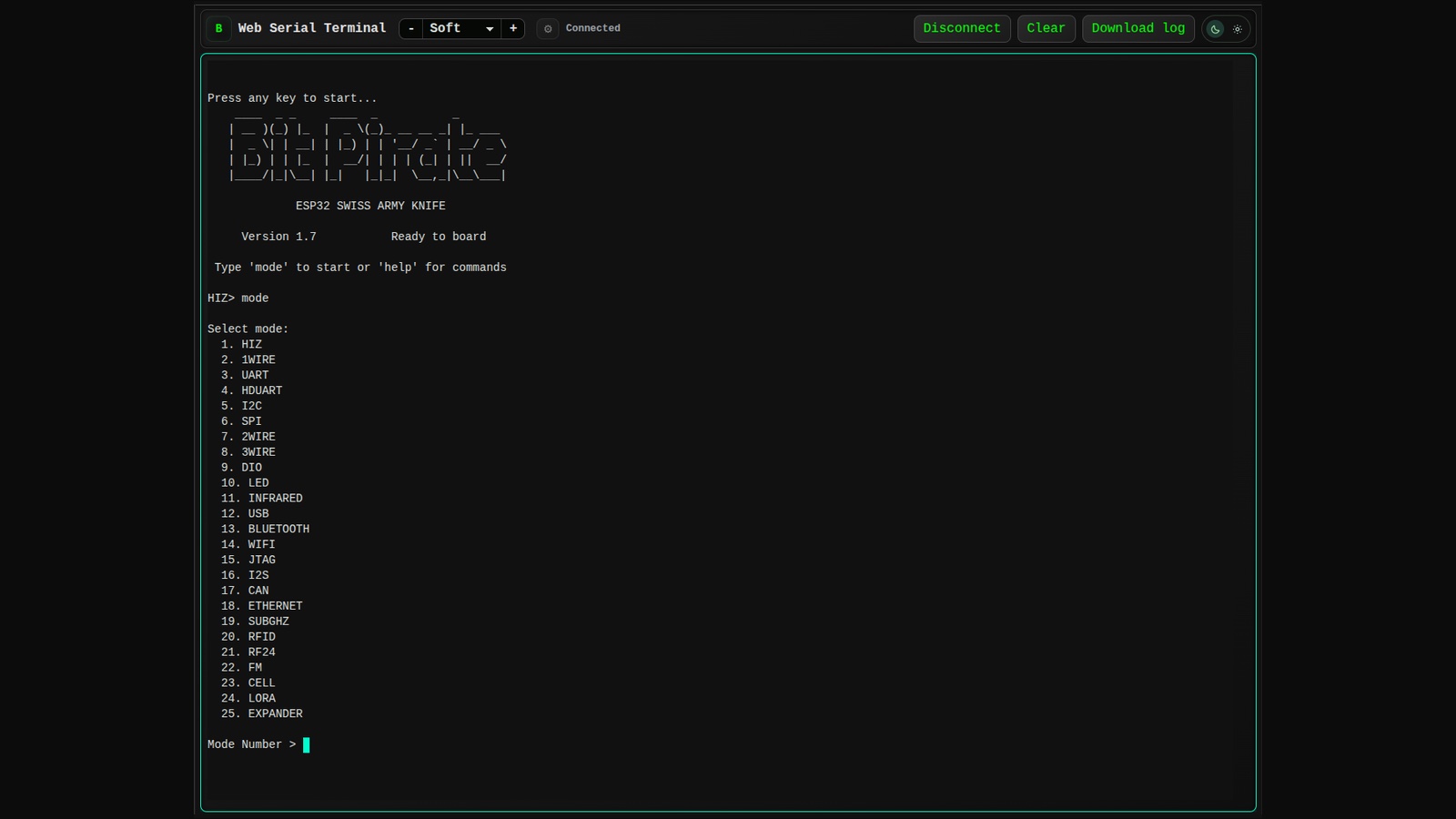
The firmware sits on the board, but the interface is a page. Web Serial and WebUSB do the talking, so the terminal, the flashing screen, and the capture tools all run in a normal browser tab.
There are three ways in, and they cover most of what I actually do:
- A web flasher that installs or updates the firmware in one click, no PlatformIO or ESP-IDF install required.
- A Web Serial terminal for the command line, so no PuTTY or minicom.
- A Web CLI over Wi-Fi, which is handy when the board is not sitting next to the laptop.
The first one matters more than it sounds. Half the friction in buying a new debug tool is the setup before you get to use it. Here you plug the board in, open a page, and you are at a prompt in about a minute.
Boards it supports
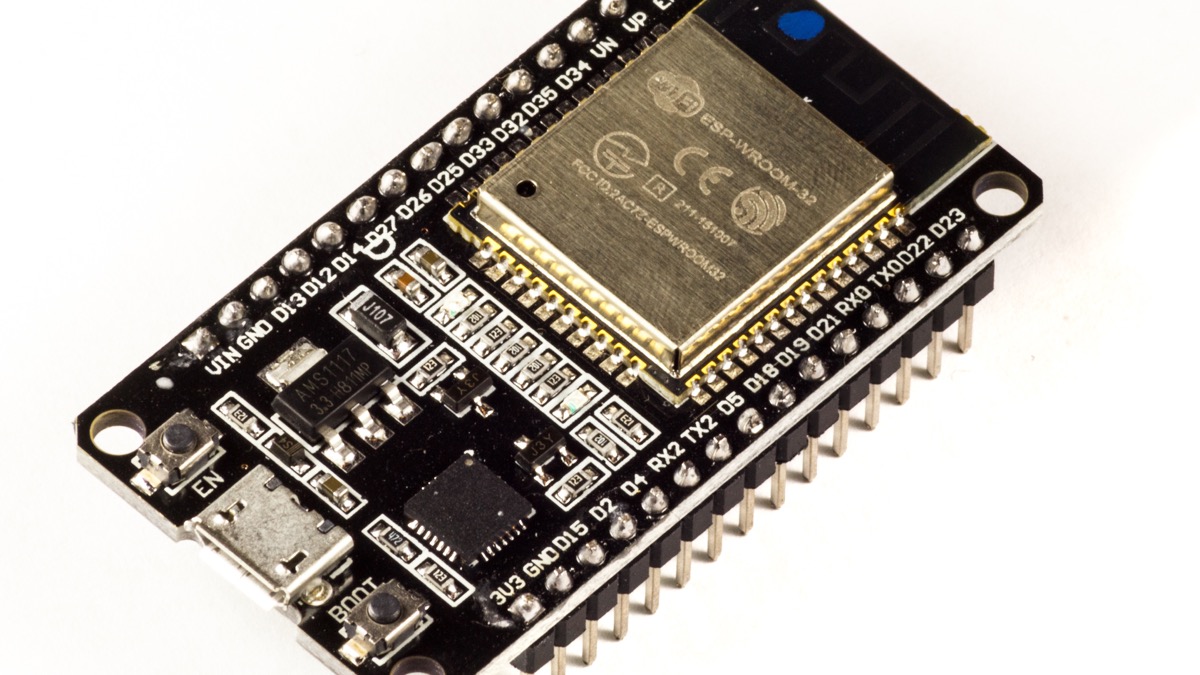
The firmware targets ESP32-S3 boards with at least 8 MB of flash. PSRAM is not required, which keeps the cost down. I tested the idea on a plain ESP32-S3-DevKitC-1, but the list goes wider than dev boards:
- M5Stack hardware like the Cardputer and StampS3
- LILYGO T-Display and T-Embed variants, including some with a CC1101 radio
- Heltec WiFi LoRa 32 V4 and Vision Master T190
- Seeed Studio and Waveshare S3 boards
M5Stack, Seeed, Heltec, LILYGO, and PCBWay back the project, so most of these have a setup guide and a pinout page. There is also an open-hardware carrier board, the Bit Pirate Dock, with level translation for 1.8 V, 3.3 V, and 5 V targets.
One thing to remember: the ESP32 itself is a 3.3 V part. The dock is there so you can talk to lower or higher voltage logic safely. Do not skip it and wire a 5 V target straight into a GPIO pin.
What it can do
Out of the box the firmware covers a surprising spread. Wired first:
- I2C — scan addresses, read registers, dump an EEPROM
- SPI — including SPI NOR flash, which is how you pull firmware off a board
- UART — bridge two serial ports, sniff traffic, run an HD UART for higher-speed links
- 1-Wire and 2-Wire — DS18B20 sensors, iButton IDs, smart cards
- GPIO, PWM, and servo — pulse pins, check states, drive a servo
- JTAG and SWD — for poking at other microcontrollers
- CAN and I2S — bus work and audio
Then the wireless side, which is where it beats a lot of bench gear in the same price range:
- Bluetooth LE and Wi-Fi sniffing
- Sub-GHz with a CC1101 module
- RFID, LoRa for things like Meshtastic, RF24, and FM
- Infrared capture and replay
- USB CDC, HID, MSC, and host modes so the board can act as a USB adapter
That last group is why I find it interesting. A traditional Bus Pirate is great at buses and silent on radio. This does both on one board, and the same device can log a sensor today and scan 433 MHz tomorrow.
Scripting it instead of clicking
Not every bench task deserves a person watching it. The project ships a Python scripting path, so you can start with the browser terminal, then move a repeated check into a script. That is the difference between a tool you use once and a tool you build into a test.
The project also has a set of recipes that walk through real tasks: dumping an I2C EEPROM, reading a DS18B20, capturing an IR remote, analysing SPI flash, and recovering a stuck I2C bus. Each one lists the wiring, the commands, and the checks in between. For someone learning the tool, that is more useful than a command reference, because it shows the order to do things in.
If you are new to the chip, my ESP32 basics post covers the board itself and a first blink sketch.
Where I would be careful
A few honest limits:
- Flash size is a hard requirement. 8 MB or more. A random S3 board in a drawer may not make the cut.
- Pin maps differ. The firmware has sensible defaults, but connectors and GPIO numbers vary between boards. Check before you wire a target.
- Voltage is on you. Use the dock's level shifting when the target is not 3.3 V.
- Radio rules apply. Only test devices and frequencies you own or are authorized to touch.
None of these are dealbreakers. They are just the same cautions any bench tool comes with.
The takeaway
The interesting idea here is not the protocol list, it is where the tool lives. Putting the interface in the browser removes the install step, the driver hunt, and the serial terminal, and that changes how casually I will reach for it. It also means the recipes, the docs, and the tool itself are all one link away from whoever is at the bench.
The project is open source on GitHub, supported by several board vendors, and cheap to try if you already own an S3 board with enough flash. If you have one, the web flasher is the fastest way to find out whether it earns a spot next to the rest of your gear.